JSON Formatting Guide: From Messy Data to Clean Code in Seconds
Struggling with unreadable JSON? This beginner-friendly guide explains what JSON is, why formatting matters, and how to beautify and validate JSON instantly with our free online tool.
Published on July 12, 2026
What Is JSON and Why Should You Care?
JSON (JavaScript Object Notation) is the universal language of data exchange on the internet. Every time you use a mobile app, visit a website, or interact with an API, JSON is likely handling the data behind the scenes. It is the format that lets your weather app display the forecast, your banking app show your balance, and your favorite website load your personalized content. JSON is everywhere — and knowing how to read and format it is an increasingly valuable skill.
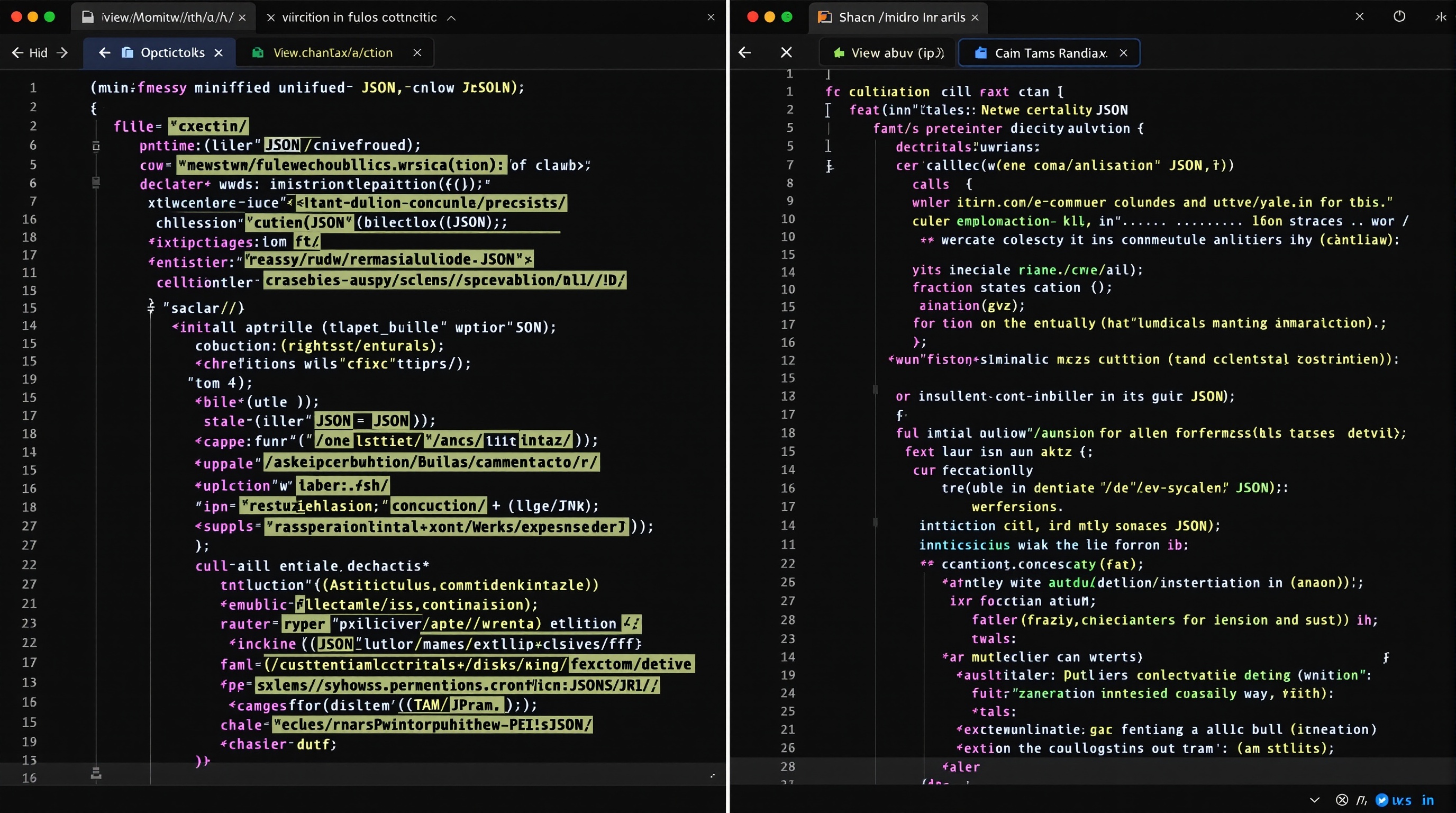
The problem? JSON is often delivered in a "minified" format — compressed into a single line with no spaces or line breaks to save bandwidth. While this is efficient for computers, it is nearly impossible for humans to read. A 500-line API response compressed into one line is a developer's nightmare. This is where a JSON formatter becomes essential.
What Is a JSON Formatter?
A JSON formatter (also called a beautifier or prettifier) takes minified, unreadable JSON and transforms it into a clean, properly indented, human-readable format. It adds line breaks, consistent indentation (usually 2 or 4 spaces), and color coding to make the data structure visually obvious. Our JSON formatter does this instantly — paste your messy JSON, and get beautifully formatted output in milliseconds.
Beyond formatting, a good JSON tool also validates the data. JSON has strict syntax rules: keys must be in double quotes, no trailing commas are allowed, strings must be properly escaped, and brackets must be balanced. A single missing comma or misplaced quote breaks the entire document. Our tool catches these errors and tells you exactly what is wrong and where.
Common JSON Problems and How to Fix Them
1. Trailing Commas
This is the most common JSON error. A trailing comma after the last item in an array or object is invalid in JSON (unlike JavaScript).
Wrong: {"name": "John", "age": 30,} — note the comma after 30
Correct: {"name": "John", "age": 30}
2. Single Quotes Instead of Double Quotes
JSON requires double quotes for keys and string values. Single quotes are not valid JSON.
Wrong: {'name': 'John'}
Correct: {"name": "John"}
3. Unbalanced Brackets
Every opening bracket must have a matching closing bracket. This is especially tricky in deeply nested JSON.
4. Missing Commas Between Items
Items in arrays and objects must be separated by commas.
How to Use Our JSON Formatter
Using our JSON formatter is straightforward:
- Paste your JSON — Copy your messy or minified JSON into the input area
- Click Format — The tool instantly beautifies your JSON with proper indentation
- Review the output — The formatted JSON is color-coded for easy reading: keys in one color, strings in another, numbers in another
- Validate if needed — Switch to the JSON validator to check for syntax errors with detailed error messages
- Copy or download — Copy the formatted result to your clipboard or download it as a .json file
Everything processes locally in your browser. Your JSON data never leaves your device — no uploads to any server, completely private.
JSON Formatting Best Practices
- Use consistent indentation — 2 spaces is the most common standard in the JavaScript ecosystem. 4 spaces is common in Python projects
- Keep arrays readable — For short arrays (3-4 items), keep them on one line. For longer arrays, put each item on its own line
- Name keys descriptively — Use camelCase for key names. "customerEmail" is better than "ce" or "email_address"
- Validate before using — Always validate JSON before using it in your application. Invalid JSON will cause errors that can be hard to debug
- Use a formatter as part of your workflow — If you work with APIs regularly, bookmark a JSON formatter. It will save you hours of squinting at compressed data
JSON vs Other Data Formats
JSON has largely replaced XML as the standard data interchange format on the web. Here is why:
- Human-readable — JSON is much easier to read than XML, especially when formatted
- Lightweight — JSON has less overhead than XML (no closing tags with repeated names)
- Native JavaScript support — JSON.parse() and JSON.stringify() are built into every browser
- Universal support — Every major programming language has JSON libraries
Conclusion
JSON formatting is a simple but essential skill for anyone working with data, APIs, or web development. A good JSON formatter turns hours of frustration into seconds of clarity. Whether you are a professional developer debugging an API response, a data analyst exploring a dataset, or a student learning to code — our free JSON formatter and JSON validator are here to help. No sign-up, no uploads, instant results.
QR Generator Editorial Team
Verified AuthorOur editorial team at QR Generator Online writes and reviews every article to keep it accurate, clear and genuinely useful. Each piece is fact-checked against current QR code standards, including the ISO/IEC 18004 specification, and updated when the details change. No fluff, no filler — just practical guidance you can apply right away.
Cite This Page
APA (7th Edition)
QR Generator Online. (2026-07-12). JSON Formatting Guide: From Messy Data to Clean Code in Seconds. Retrieved ..., from https://qrgenrateronline.com/blog/json-formatting-guide-beginners
MLA (9th Edition)
“JSON Formatting Guide: From Messy Data to Clean Code in Seconds.” QR Generator Online, 2026-07-12. Web. .... <https://qrgenrateronline.com/blog/json-formatting-guide-beginners>.
Chicago
QR Generator Online. “JSON Formatting Guide: From Messy Data to Clean Code in Seconds.” Last modified 2026-07-12. Accessed .... https://qrgenrateronline.com/blog/json-formatting-guide-beginners.
Citation formats provided for academic and professional reference. Always verify against your institution's style guide.
Ready to create your own QR codes?
Try our free QR code generator — no sign-up required. Create URL, text, email, WiFi, vCard, WhatsApp and social media QR codes, then download in high-resolution PNG, JPG or SVG.
Generate QR Code NowRelated articles

How to Create a QR Code for Free (Step by Step)
Learn how to create beautiful, high-resolution QR codes online without paying a cent. Complete guide with step-by-step instructions for URLs, text, email, Wi-Fi, and more.

QR Codes for Business: A Complete Guide for 2026
Discover how businesses are using QR codes to boost customer engagement, streamline operations, and increase sales. Real examples and best practices included.

WiFi QR Code Guide for Home and Business
Stop spelling out your Wi-Fi password! Learn how to create Wi-Fi QR codes that let guests connect instantly. Perfect for cafes, hotels, offices, and home use.