PDF Merge vs PDF Compress: When to Use Each Tool and Why It Matters
Confused about whether to merge or compress your PDFs? This guide explains the difference, when to use each tool, and how to get the best results every time.
Published on July 18, 2026
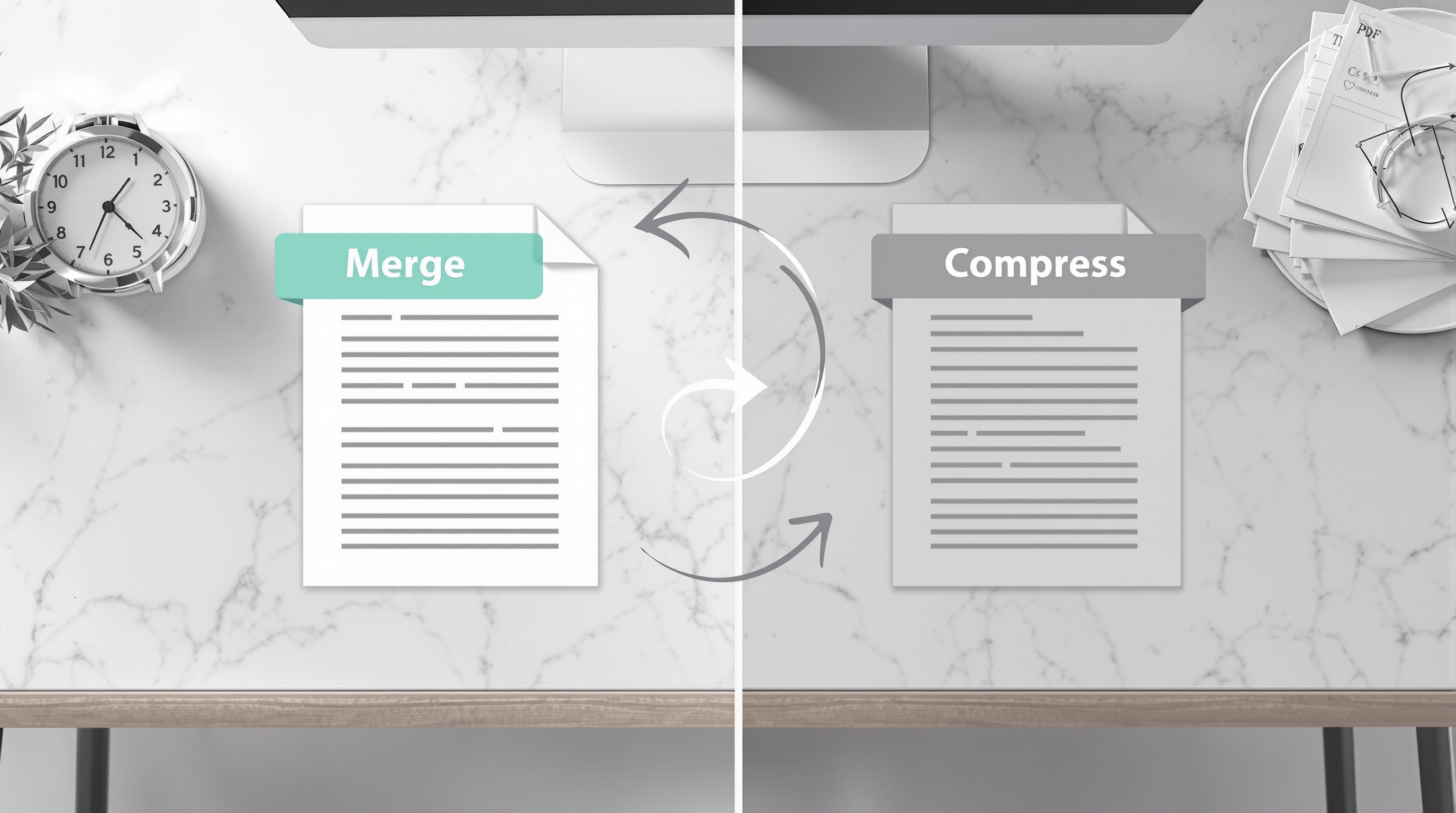
Two Different Problems, Two Different Solutions
If you work with PDFs regularly, you have probably faced both of these situations: you have multiple PDFs that need to become one document, or you have a single PDF that is too large to email or upload. These are fundamentally different problems that require different tools. Merge combines multiple files into one. Compress reduces the file size of an existing PDF. Using the wrong tool for the job wastes time and produces poor results.
Let us break down exactly when to use each tool, how they work, and best practices for getting professional results every time.
PDF Merge: Combine Multiple Files Into One
PDF merging takes two or more separate PDF files and combines them into a single document in the order you specify. This is useful in countless professional scenarios:
- Combining multiple scanned pages into one document
- Assembling a contract that includes terms, signatures, and appendices
- Creating a complete report from separate chapter files
- Compiling invoices, receipts, and supporting documents for expense reports
- Building a portfolio from individual project files
- Merging presentation slides from different team members into one deck
Our PDF merger makes this process effortless: drag and drop your files, arrange them in the desired order using the drag handles, and click merge. The tool processes everything locally in your browser — your documents never leave your computer. The result is a single PDF that preserves all the original formatting, images, and text from each source file.
Important: Merging does NOT reduce the file size of individual pages. The resulting PDF will be roughly the sum of all input files. If you need a smaller file, you will want to compress after merging.
PDF Compress: Shrink File Size Without Losing Content
PDF compression reduces the file size of an existing PDF by optimizing how images, fonts, and metadata are stored. This is essential when:
- Emailing a PDF that exceeds the attachment size limit (typically 25MB)
- Uploading documents to portals with file size restrictions
- Speeding up document loading on websites
- Saving storage space on cloud drives and devices
- Submitting documents to government or legal systems with size limits
Our PDF compressor offers multiple compression modes. "Recommended" mode balances file size and quality — typically reducing files by 50-70% while keeping text crisp and images acceptable. "Maximum" mode pushes compression further for extreme cases where file size is the priority. "Minimal" mode preserves near-original quality with a modest size reduction. Like our merger, all processing happens locally in your browser.
The Common Workflow: Merge Then Compress
Many real-world tasks require both operations. For example, you might have five scanned receipts that need to become one file and be small enough to email. The correct workflow is:
- Merge first — Combine all five receipts into one PDF using the merger
- Compress second — Take the merged file and run it through the compressor to reduce its size
Why this order? If you compress each file individually and then merge, the merger has to decompress them during the combining process, potentially undoing some of your compression work. Merge first, compress the result — it is more efficient and produces a smaller final file.
Real-World Examples
Scenario 1: Job Application
You need to submit a resume, cover letter, and portfolio as one PDF under 10MB. Merge all three files (merge), then compress the combined result to meet the size limit (compress).
Scenario 2: Monthly Expense Report
You have 20 scanned receipts totaling 80MB. Merge them into one chronological PDF, then compress to under 10MB for email submission.
Scenario 3: Client Contract Package
You have the contract, terms of service, scope of work, and pricing sheet as separate PDFs. Merge them into one professional package. If the result is under your email limit, you can skip compression.
Quality Expectations
When compressing PDFs, it is important to set realistic expectations about quality. At maximum compression, images within the PDF will show visible quality degradation — fine text in scanned documents may become slightly blurry, and photos will lose detail. This is the trade-off for dramatically smaller files. For documents where visual quality matters (portfolios, design presentations, photo-heavy reports), use minimal or recommended compression. For text-heavy documents (contracts, forms, invoices), even maximum compression typically preserves readability perfectly since text compresses very efficiently.
Conclusion
Merge and compress are complementary tools that solve different problems. Use PDF merge when you need to combine documents into one file. Use PDF compress when you need to make a PDF smaller. And when you need both, merge first, then compress. Both tools are free, process files locally in your browser, and take just seconds to produce results. No sign-up, no uploads, no waiting.
QR Generator Editorial Team
Verified AuthorOur editorial team at QR Generator Online writes and reviews every article to keep it accurate, clear and genuinely useful. Each piece is fact-checked against current QR code standards, including the ISO/IEC 18004 specification, and updated when the details change. No fluff, no filler — just practical guidance you can apply right away.
Cite This Page
APA (7th Edition)
QR Generator Online. (2026-07-18). PDF Merge vs PDF Compress: When to Use Each Tool and Why It Matters. Retrieved ..., from https://qrgenrateronline.com/blog/pdf-merge-vs-compress-when-to-use
MLA (9th Edition)
“PDF Merge vs PDF Compress: When to Use Each Tool and Why It Matters.” QR Generator Online, 2026-07-18. Web. .... <https://qrgenrateronline.com/blog/pdf-merge-vs-compress-when-to-use>.
Chicago
QR Generator Online. “PDF Merge vs PDF Compress: When to Use Each Tool and Why It Matters.” Last modified 2026-07-18. Accessed .... https://qrgenrateronline.com/blog/pdf-merge-vs-compress-when-to-use.
Citation formats provided for academic and professional reference. Always verify against your institution's style guide.
Ready to create your own QR codes?
Try our free QR code generator — no sign-up required. Create URL, text, email, WiFi, vCard, WhatsApp and social media QR codes, then download in high-resolution PNG, JPG or SVG.
Generate QR Code NowRelated articles

How to Create a QR Code for Free (Step by Step)
Learn how to create beautiful, high-resolution QR codes online without paying a cent. Complete guide with step-by-step instructions for URLs, text, email, Wi-Fi, and more.

QR Codes for Business: A Complete Guide for 2026
Discover how businesses are using QR codes to boost customer engagement, streamline operations, and increase sales. Real examples and best practices included.

WiFi QR Code Guide for Home and Business
Stop spelling out your Wi-Fi password! Learn how to create Wi-Fi QR codes that let guests connect instantly. Perfect for cafes, hotels, offices, and home use.