Everything You Need in a QR Generator
Powerful features wrapped in a beautiful interface — and completely free
100% Private
All processing happens in your browser. No data ever leaves your device.
High Resolution
Download QR codes in PNG, JPG, SVG at 1024x1024px minimum.
Fully Customizable
Change colors, add logos, and customize the look of your QR codes.
Instant Generation
Real-time preview updates as you type. Zero latency, zero waiting.
QR Code Design Templates
Not all QR codes look the same. Explore creative styles and find the perfect look for your brand.
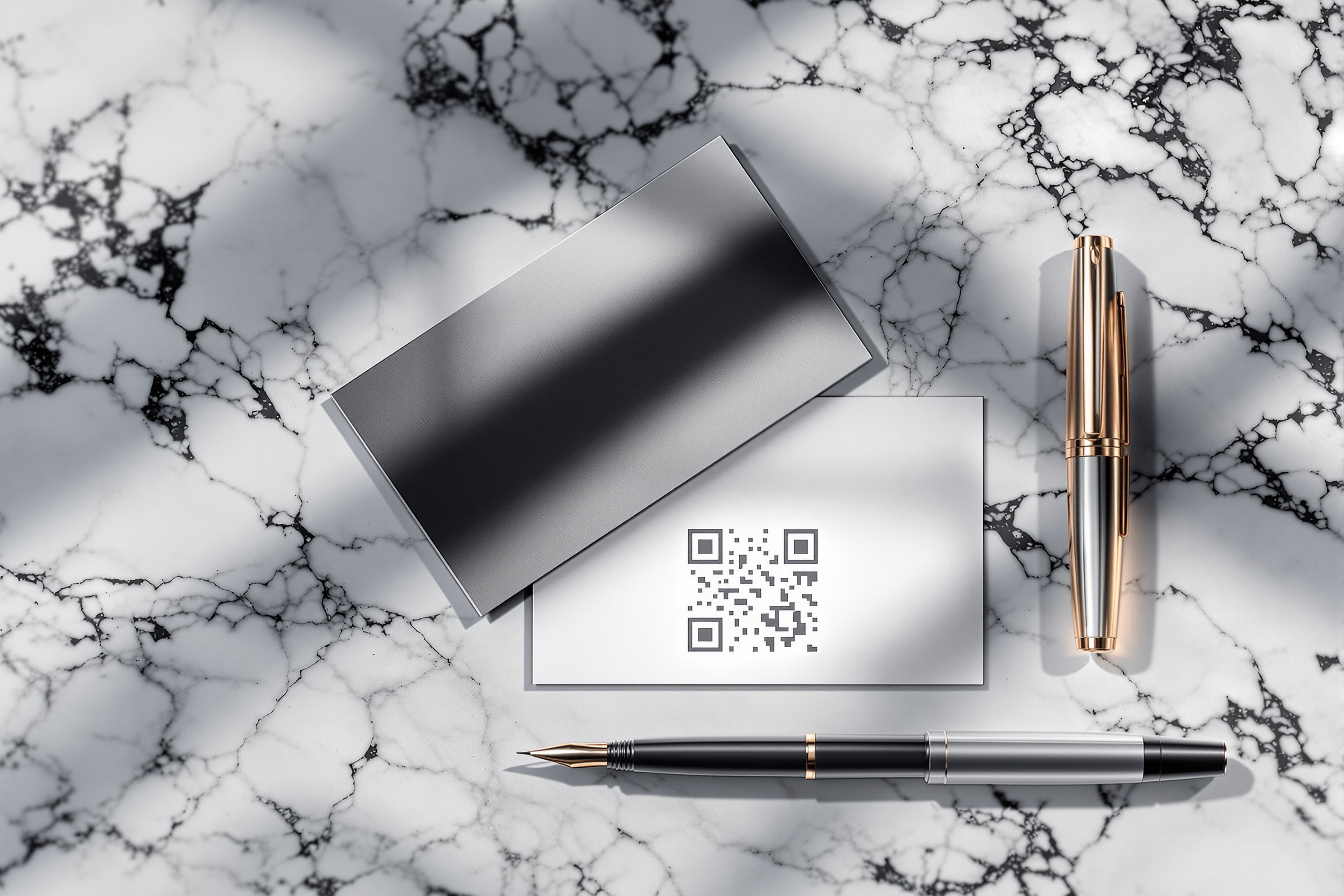
Minimal Monochrome
Clean black-on-white QR codes that blend seamlessly into corporate stationery, letterheads, and professional documents.
Gradient Neon
Eye-catching gradient QR codes with neon-inspired colors perfect for nightclub flyers, music festivals, and modern brands.
Logo Centered
Place your brand logo at the heart of your QR code. Ideal for product packaging, business cards, and promotional materials.
Rounded Soft
Friendly rounded dots and soft pastel colors. Perfect for cafes, bakeries, boutiques, and lifestyle brands.
Dark Elegance
Gold-on-black QR codes that exude luxury. Ideal for high-end fashion, jewelry, premium spirits, and exclusive events.
Playful Dots
Multi-colored QR codes that pop with personality. Great for kids products, gaming, entertainment, and creative portfolios.
All these styles can be customized with your own colors, logo, and content — right in our generator.
Try It NowWhat Is This QR Code Generator?
This is a free, browser-based QR code generator that lets you create high-resolution QR codes for links, text, Wi-Fi, vCards, WhatsApp, email, SMS, phone numbers, social media profiles, and locations — all without creating an account or paying anything.
Every QR code is generated directly in your browser using client-side technology. Your data never leaves your device, never touches a server, and is never stored anywhere. You get instant, real-time previews and can download your QR codes in PNG, JPG, or SVG at 1024x1024px resolution — ready for both digital and print use.
How to Create a QR Code
Choose a QR code type
Select from URL, Text, Email, Phone, SMS, Wi-Fi, vCard, WhatsApp, Social Media, or Location.
Enter your content
Type or paste the information you want to encode — a link, message, contact details, or network credentials.
Customize (optional)
Pick a style preset, change colors, or upload your logo to create a branded QR code.
Download and share
Download your QR code as PNG, JPG, or SVG at 1024x1024px. Print it, post it, or share it digitally.
Supported QR Code Types
Create QR codes for every use case — all free, all instant, no sign-up required
Website URL
Convert any website link into a QR code. Perfect for marketing, menus, and sharing links.
Wi-Fi
Share your network credentials so guests connect instantly — no password typing needed.
vCard / Contact
Create a digital business card that saves directly to any smartphone.
Start a WhatsApp chat with a single scan — great for customer support and sales.
Plain Text
Encode any text message, note, or instruction into a QR code that works offline.
Pre-fill recipient, subject, and body — users send you an email with one scan.
SMS
Pre-compose a text message with your number and message ready to send.
Phone Number
Let people call you instantly — the number is pre-entered, just tap to dial.
Location / Maps
Share a map address or GPS coordinates so people can navigate to you.
Social Media
Link to any social media profile — Instagram, Facebook, Twitter, LinkedIn, and more.
Static vs Dynamic QR Codes
Static QR codes encode information directly into the QR pattern. The data cannot be changed after creation, but the QR code will work forever — it never expires and does not rely on any external service. Our generator creates static QR codes, which are ideal for most use cases.
Dynamic QR codes contain a short URL that redirects to your content. This lets you update the destination without reprinting the QR code and provides scan analytics. However, dynamic QR codes depend on a third-party service staying online. If the service shuts down or the subscription expires, your QR code stops working.
Download Formats: PNG, JPG, SVG
PNG — Best for Most Uses
Lossless quality with transparency support. Ideal for websites, social media, presentations, and digital documents. File sizes are moderate with perfect quality.
JPG — Best for Small File Sizes
Compressed format with smaller file sizes, good for email attachments and web pages where file size matters. Note: JPG does not support transparency.
SVG — Best for Print and Scaling
Vector format that scales to any size without losing quality. Perfect for billboards, large banners, merchandise, and professional printing. Edit in Adobe Illustrator or any vector editor.
Privacy & No Sign-Up Policy
Your privacy matters. All QR code generation happens entirely in your browser — your data (URLs, WiFi passwords, contact details, messages) never leaves your device and is never uploaded to any server. We do not store, track, or log the content you encode into QR codes.
No account, no email address, no registration — nothing is required. You visit the site, create your QR code, download it, and leave. That is the entire experience. Read our full Privacy Policy for details.
Commercial Use & Licensing
Every QR code you generate is yours — completely. Use them for personal projects, commercial products, marketing materials, client work, product packaging, billboards, and anything else. There are no restrictions, no watermarks, and no hidden fees now or in the future.
While our QR codes are tested and reliable, always verify your QR codes scan correctly with multiple devices before publishing or printing, especially for commercial use. See our Terms of Service for more information.
Quick Answers
Short answers to common questions about QR codes
What is a QR code generator?
A QR code generator is an online tool that converts information — like URLs, text, or contact details — into a scannable QR code. You enter your content, and it creates a downloadable QR code image instantly.
How do I create a QR code for free?
Select a QR type, enter your content, and download your QR code as PNG, JPG, or SVG. No sign-up, no payment, no software installation required.
Do free QR codes expire?
Static QR codes never expire. They encode information directly and will work forever. Only dynamic QR codes (which use redirect URLs) can expire if the service behind them shuts down.
Can I use these QR codes for business?
Yes, all QR codes are free for personal and commercial use with no restrictions.
What is the difference between PNG, JPG, and SVG QR codes?
PNG offers lossless quality with transparency. JPG has smaller file sizes but no transparency. SVG is vector-based and scales infinitely — best for large format printing.
What is the difference between static and dynamic QR codes?
Static QR codes encode data directly and never expire. Dynamic QR codes use a short URL that redirects — they can be updated but depend on a third-party service.
Specialized QR Code Generators
Explore our dedicated generators for specific use cases
Latest from Our Blog
Tips, guides, and insights about QR codes
How to Generate QR Codes for Free Online in 2026
Learn how to create beautiful, high-resolution QR codes online without paying a cent. Complete guide with step-by-step instructions for URLs, text, email, Wi-Fi, and more.
June 20, 2026QR Codes for Business: A Complete Guide for 2026
Discover how businesses are using QR codes to boost customer engagement, streamline operations, and increase sales. Real examples and best practices included.
June 15, 2026Wi-Fi QR Codes: Share Your Network Password Instantly
Stop spelling out your Wi-Fi password! Learn how to create Wi-Fi QR codes that let guests connect instantly. Perfect for cafes, hotels, offices, and home use.
June 10, 2026Frequently Asked Questions
Everything you need to know about our free QR code generator
Simply select a category, enter your content in the left panel, and your QR code is generated instantly in real-time on the right. No sign-up, no payment required — completely free with high-resolution downloads available in PNG, JPG, and SVG formats.
This QR Code Generator is one of the best free options available. It offers 10+ category types, real-time preview, a beautiful glassmorphism interface, multiple download formats (PNG, JPG, SVG), color customization, logo embedding, and high-resolution output — all with no registration needed.
Yes! You can download your QR code in PNG, JPG, and SVG formats. Downloads are generated at high resolution (1024x1024px minimum) for crisp, sharp output suitable for both digital and print use.
No account or registration is required. The QR code generator is completely free and works entirely in your browser — all processing happens locally on your device.
You can create QR codes for Website URLs, Plain Text, Email messages, Phone Numbers (direct dial), SMS with pre-filled messages, Wi-Fi network credentials, vCard digital business cards, WhatsApp chats, Social Media profiles, and Google Maps locations.
Absolutely! You can customize both the foreground (dots) and background colors of your QR code using the color pickers in the preview panel. You can also upload a logo or icon to place in the center of your QR code for branding.
Yes, completely secure. All QR code generation happens locally in your browser using client-side JavaScript. Your data never leaves your device and is never uploaded to any server.
Yes! All QR codes generated are yours to use for any purpose — personal or commercial. There are no restrictions, no watermarks, and no hidden fees.