How to Generate QR Codes for Free Online in 2026
Learn how to create beautiful, high-resolution QR codes online without paying a cent. Complete guide with step-by-step instructions for URLs, text, email, Wi-Fi, and more.
Published on June 20, 2026

Why QR Codes Are More Important Than Ever
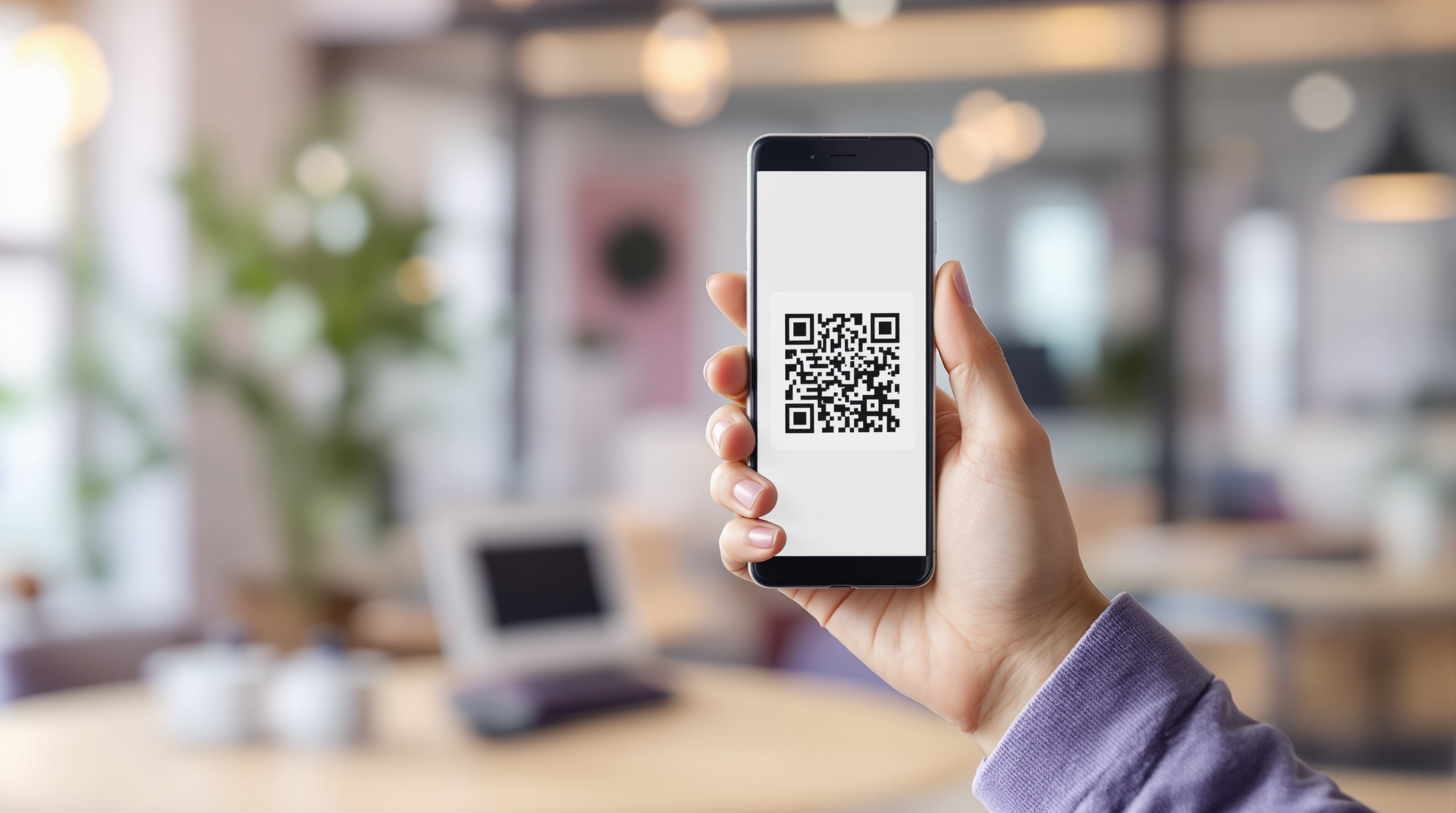
QR codes have become an essential part of our daily lives. From restaurant menus to payment systems, event tickets to marketing campaigns — QR codes bridge the gap between the physical and digital worlds. In 2026, the global QR code market continues to grow at an unprecedented rate, with businesses of all sizes adopting QR technology.
The best part? You don't need expensive software or technical skills to create professional QR codes. Free online QR code generators have made it incredibly easy for anyone to create high-quality QR codes in seconds.
What Makes a Good QR Code Generator?
Not all QR code generators are created equal. Here's what you should look for when choosing a free QR code generator:
- No registration required — The best tools don't force you to create an account
- Multiple format support — Look for PNG, JPG, and SVG download options
- High resolution output — Minimum 1024x1024px for professional use
- Multiple QR types — URL, text, email, Wi-Fi, vCard, and more
- Privacy-first approach — Everything should process in your browser, not on external servers
- Customization options — Colors, logos, and styling capabilities
Step-by-Step: Generate Your First QR Code
Creating a QR code takes less than 30 seconds. Here's how:
- Choose your QR type — Select from URL, Text, Email, Phone, SMS, Wi-Fi, vCard, WhatsApp, Social Media, or Location
- Enter your content — Type or paste the information you want to encode
- Customize (optional) — Adjust colors or add a logo to match your brand
- Download — Choose PNG, JPG, or SVG format and download your QR code
That's it! Your QR code is ready to use on business cards, flyers, websites, product packaging, or anywhere else you need it.
Common QR Code Types and Their Uses
Different situations call for different QR code types. Here's a quick overview:
- Website URL — Direct people to your website, landing page, or any online resource
- Plain Text — Display any text message when scanned
- Email — Pre-fill recipient, subject, and body for quick email composition
- Phone Number — Let people call you with a single scan
- SMS — Pre-compose text messages with your number and message
- Wi-Fi — Share your network credentials without typing passwords
- vCard — Share your complete contact information digitally
- WhatsApp — Start a WhatsApp chat instantly
- Location — Share GPS coordinates or addresses for easy navigation
Tips for Creating Scannable QR Codes
Even the best QR code won't work if it can't be scanned. Follow these tips for maximum scannability:
- Maintain high contrast between the QR code and its background
- Keep a quiet zone (white space) around the QR code
- Don't make QR codes too small — at least 2cm x 2cm in print
- Test your QR code with multiple devices before printing
- Avoid placing QR codes on curved or reflective surfaces
Conclusion
Creating QR codes doesn't have to be complicated or expensive. With a reliable free QR code generator, you can create professional, high-resolution QR codes for any purpose in seconds. The key is choosing a generator that prioritizes quality, privacy, and ease of use — all without asking for your email or credit card.
Ready to create your first QR code? Try our free generator above and see how simple it is.
QR Generator Editorial Team
Verified AuthorOur editorial team at QR Generator writes and reviews every article to ensure accuracy, clarity, and practical value. Each piece is fact-checked against current QR code standards and industry best practices. We believe in creating honest, helpful content that respects your time and intelligence — no fluff, no filler, just useful information you can apply immediately.
Cite This Page
APA (7th Edition)
QR Generator. (2026-06-20). How to Generate QR Codes for Free Online in 2026. Retrieved ..., from https://qrgenrateronline.com/blog/generate-qr-codes-free-online
MLA (9th Edition)
“How to Generate QR Codes for Free Online in 2026.” QR Generator, 2026-06-20. Web. .... <https://qrgenrateronline.com/blog/generate-qr-codes-free-online>.
Chicago
QR Generator. “How to Generate QR Codes for Free Online in 2026.” Last modified 2026-06-20. Accessed .... https://qrgenrateronline.com/blog/generate-qr-codes-free-online.
Citation formats provided for academic and professional reference. Always verify against your institution's style guide.
Ready to create your own QR codes?
Try our free QR code generator — no sign-up required. Create URLs, text, email, Wi-Fi, vCard, WhatsApp, and social media QR codes instantly. Download in high-resolution PNG, JPG, or SVG format.
Generate QR Code NowRelated Articles
Explore more QR code guides, tips, and use cases to get the most out of your QR codes.

QR Codes for Business: A Complete Guide for 2026
Discover how businesses are using QR codes to boost customer engagement, streamline operations, and increase sales. Real examples and best practices included.

Wi-Fi QR Codes: Share Your Network Password Instantly
Stop spelling out your Wi-Fi password! Learn how to create Wi-Fi QR codes that let guests connect instantly. Perfect for cafes, hotels, offices, and home use.
vCard QR Codes: The Future of Digital Business Cards
Replace traditional business cards with vCard QR codes. Share your contact details instantly with a single scan. Modern networking made simple.