vCard QR Codes: The Future of Digital Business Cards
Replace traditional business cards with vCard QR codes. Share your contact details instantly with a single scan. Modern networking made simple.
Published on June 5, 2026
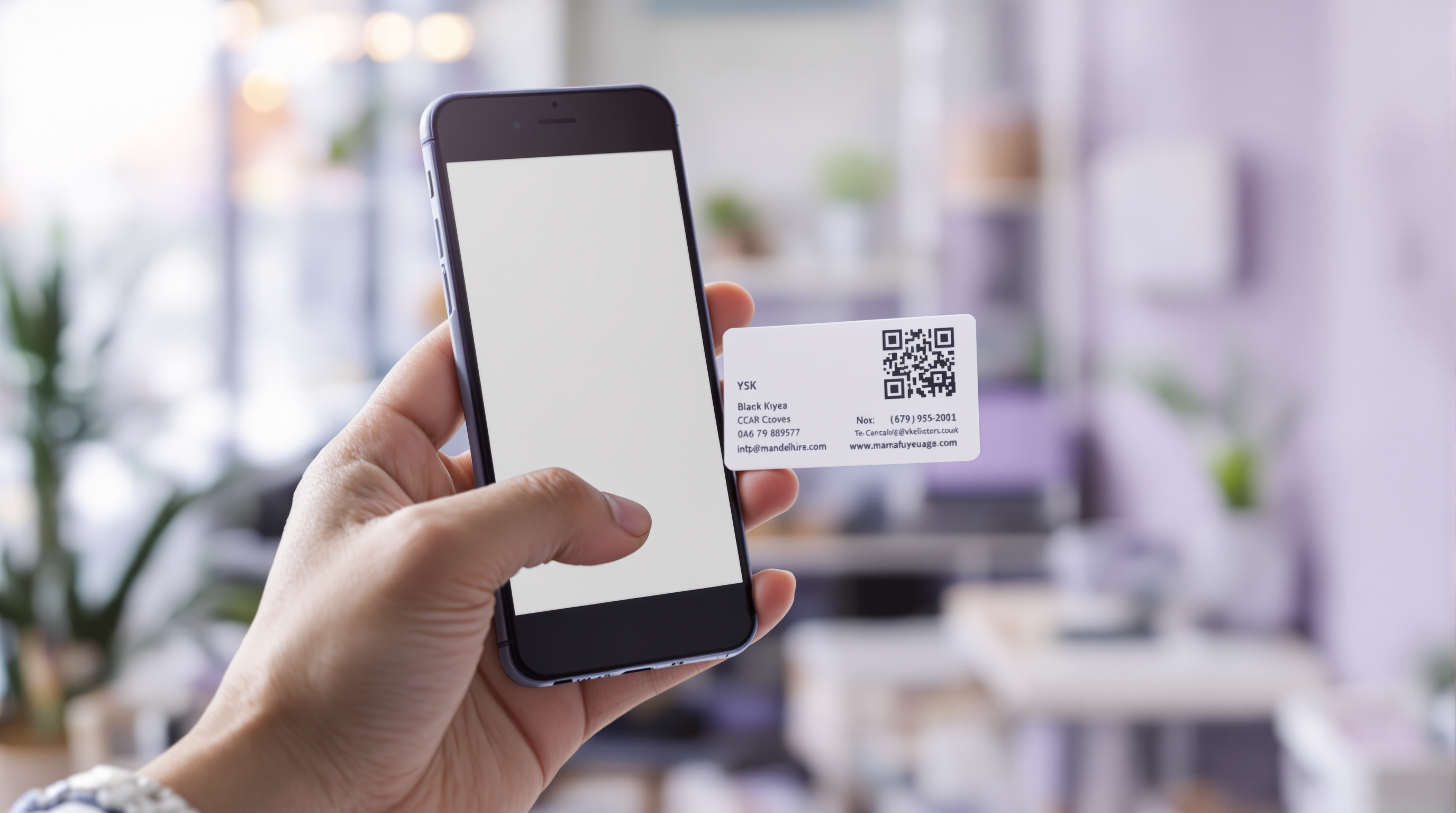
Say Goodbye to Paper Business Cards
Traditional business cards have a fundamental problem — they're easy to lose, hard to update, and terrible for the environment. Every year, billions of paper business cards are printed, and most end up in the trash within days. vCard QR codes offer a modern, sustainable, and more effective alternative.
A vCard QR code contains all your contact information — name, phone, email, address, company, website, and more — encoded in a format that smartphones instantly recognize. When someone scans your QR code, your contact details are saved directly to their phone.
What Information Can a vCard QR Code Include?
vCard QR codes can encode a comprehensive set of contact details:
- Full name
- Phone number
- Email address
- Company name and job title
- Website URL
- Physical address
- Social media profiles
When scanned, all this information populates automatically into the phone's contacts app — no manual typing required.
Benefits of vCard QR Codes
Always Up-to-Date
Changed jobs? New phone number? With digital vCard QR codes, you update once and everyone who scanned your code has your latest information. No more crossing out old details on paper cards.
Eco-Friendly
Digital vCards eliminate paper waste entirely. If you must have a physical form, print one QR code on a reusable card or badge instead of hundreds of disposable paper cards.
Instant Sharing
Share your contact details in person, via messaging apps, in email signatures, on social media, or on your website. The same QR code works everywhere.
Better Networking
At conferences and networking events, vCard QR codes speed up the connection process. No fumbling for business cards — just scan and connect.
How to Create a vCard QR Code
Creating your digital business card takes seconds with our vCard QR Code Generator:
- Select the "vCard" category in the QR generator
- Fill in your contact details — name, phone, email, company, address
- Preview your QR code in real-time
- Download in PNG, JPG, or SVG format
- Add to your website, email signature, or print on a card
Using vCard QR Codes in Different Contexts
- Email Signatures — Add a small vCard QR code to your email footer for instant contact saving
- Conference Badges — Print your QR code on your event badge for easy networking
- Website Contact Page — Let visitors save your details with a single scan
- Resumes and CVs — Include a QR code so recruiters can save your contact info instantly
- Storefront Windows — Display vCard QR codes for passersby to save your business details
Conclusion
vCard QR codes represent the evolution of business networking. They're faster, more sustainable, more flexible, and more effective than traditional paper business cards. Whether you're a freelancer, business owner, or corporate professional, making the switch to vCard QR codes is one of the smartest networking moves you can make in 2026.
QR Generator Editorial Team
Verified AuthorOur editorial team at QR Generator writes and reviews every article to ensure accuracy, clarity, and practical value. Each piece is fact-checked against current QR code standards and industry best practices. We believe in creating honest, helpful content that respects your time and intelligence — no fluff, no filler, just useful information you can apply immediately.
Cite This Page
APA (7th Edition)
QR Generator. (2026-06-05). vCard QR Codes: The Future of Digital Business Cards. Retrieved ..., from https://qrgenrateronline.com/blog/vcard-qr-codes-digital-business-cards
MLA (9th Edition)
“vCard QR Codes: The Future of Digital Business Cards.” QR Generator, 2026-06-05. Web. .... <https://qrgenrateronline.com/blog/vcard-qr-codes-digital-business-cards>.
Chicago
QR Generator. “vCard QR Codes: The Future of Digital Business Cards.” Last modified 2026-06-05. Accessed .... https://qrgenrateronline.com/blog/vcard-qr-codes-digital-business-cards.
Citation formats provided for academic and professional reference. Always verify against your institution's style guide.
Ready to create your own QR codes?
Try our free QR code generator — no sign-up required. Create URLs, text, email, Wi-Fi, vCard, WhatsApp, and social media QR codes instantly. Download in high-resolution PNG, JPG, or SVG format.
Generate QR Code NowRelated Articles
Explore more QR code guides, tips, and use cases to get the most out of your QR codes.
How to Generate QR Codes for Free Online in 2026
Learn how to create beautiful, high-resolution QR codes online without paying a cent. Complete guide with step-by-step instructions for URLs, text, email, Wi-Fi, and more.

QR Codes for Business: A Complete Guide for 2026
Discover how businesses are using QR codes to boost customer engagement, streamline operations, and increase sales. Real examples and best practices included.

Wi-Fi QR Codes: Share Your Network Password Instantly
Stop spelling out your Wi-Fi password! Learn how to create Wi-Fi QR codes that let guests connect instantly. Perfect for cafes, hotels, offices, and home use.